

Get answers in natural language without leaving your docs
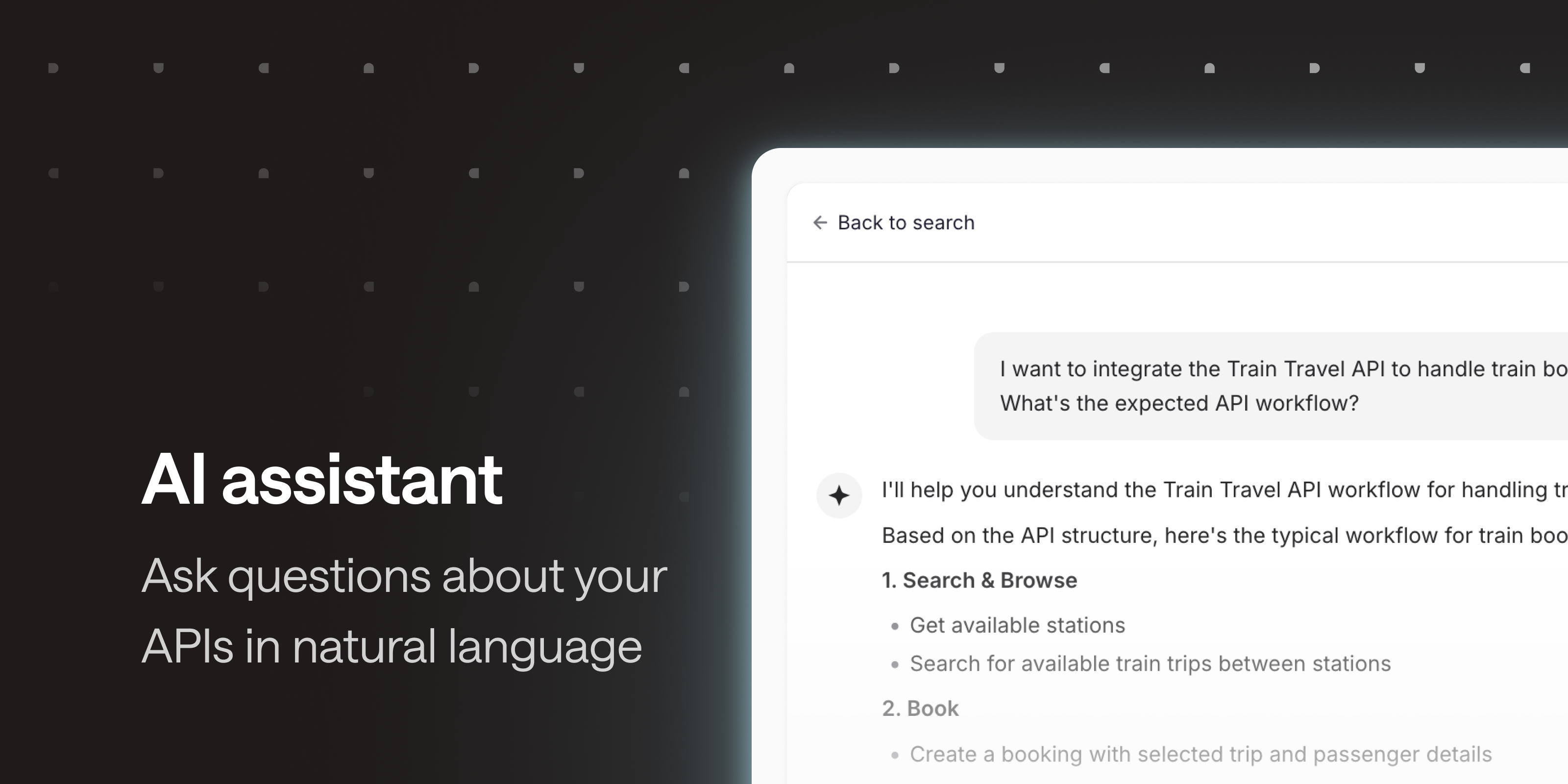
Keyword search is perfect when your users know what they’re looking for. But some questions aren’t that straightforward: “How do I book a trip for two passengers?”, “What’s the payload for POST /bookings, and what does it return?”. Answering them might mean checking multiple operations, then putting the pieces together to get the global picture.
Your API docs search now comes with an AI assistant. Your users chat with your documentation in natural language, and get a reliable answer built from it, with buttons to open the pages worth reading.
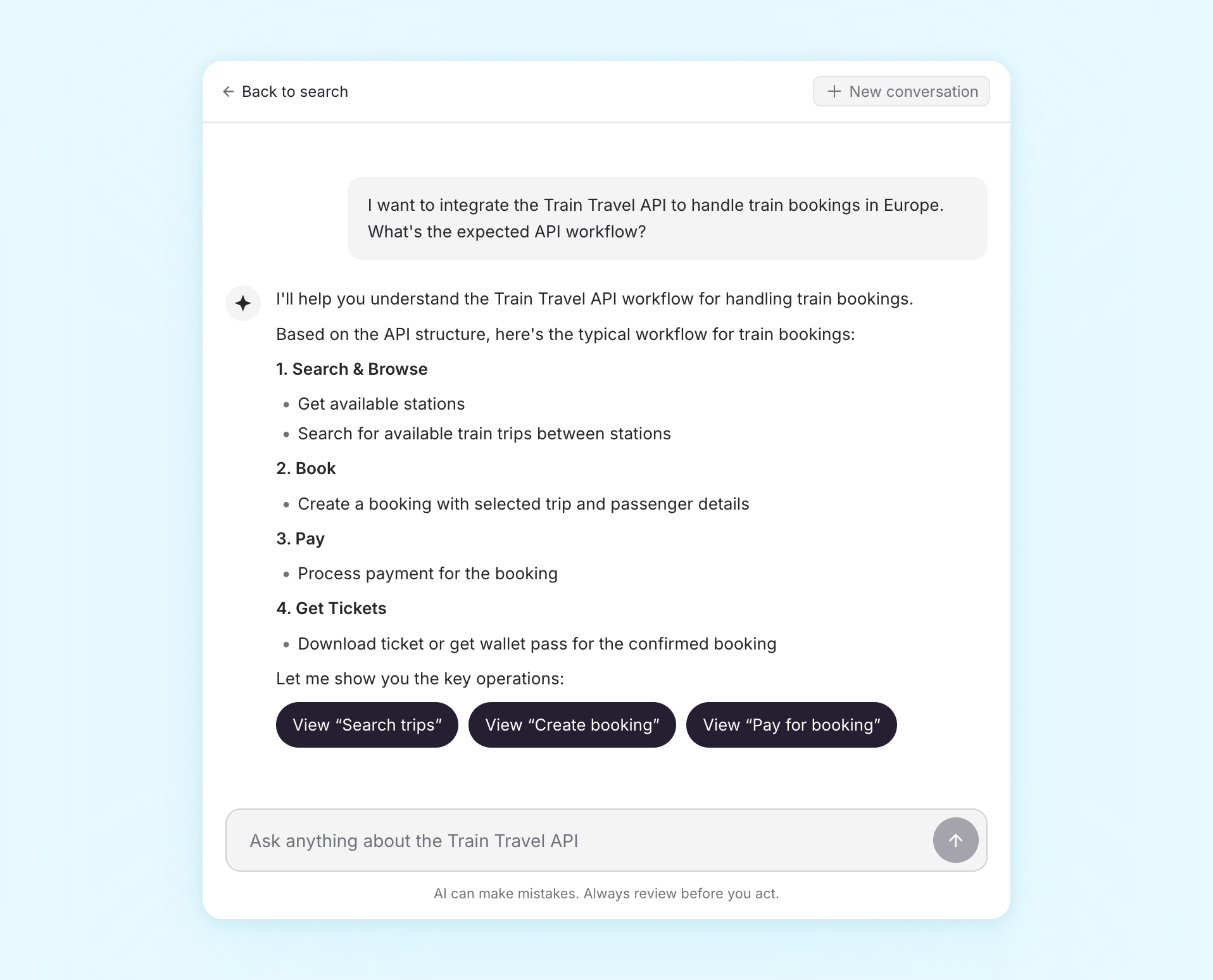
Open the search and click “AI assistant”: a query already typed becomes the first question. A search with no results is no longer a dead end either: pressing Enter hands it to the assistant.
It goes beyond finding a page. Your users can ask for the steps of a use case, the exact payload of an operation, a cURL request or a Python snippet to start from, or what changed since last month. In a hub, when the current API doesn’t cover the question, the assistant asks the whole hub.
Under the hood, the AI assistant uses the same search capabilities as the Portal API and your doc MCP server: same content, whether your users ask from your docs, their IDE or their favorite AI tool.
The AI assistant is available on Pro plans and above, for public and private docs and hubs. Nothing to set up.
One more thing: we built this assistant with a new feature of our MCP platform, which we’ll unveil in the coming days. Stay tuned!
Questions or feedback? Reach out at hello@bump.sh.