

Topics: put your guides right where your users need them
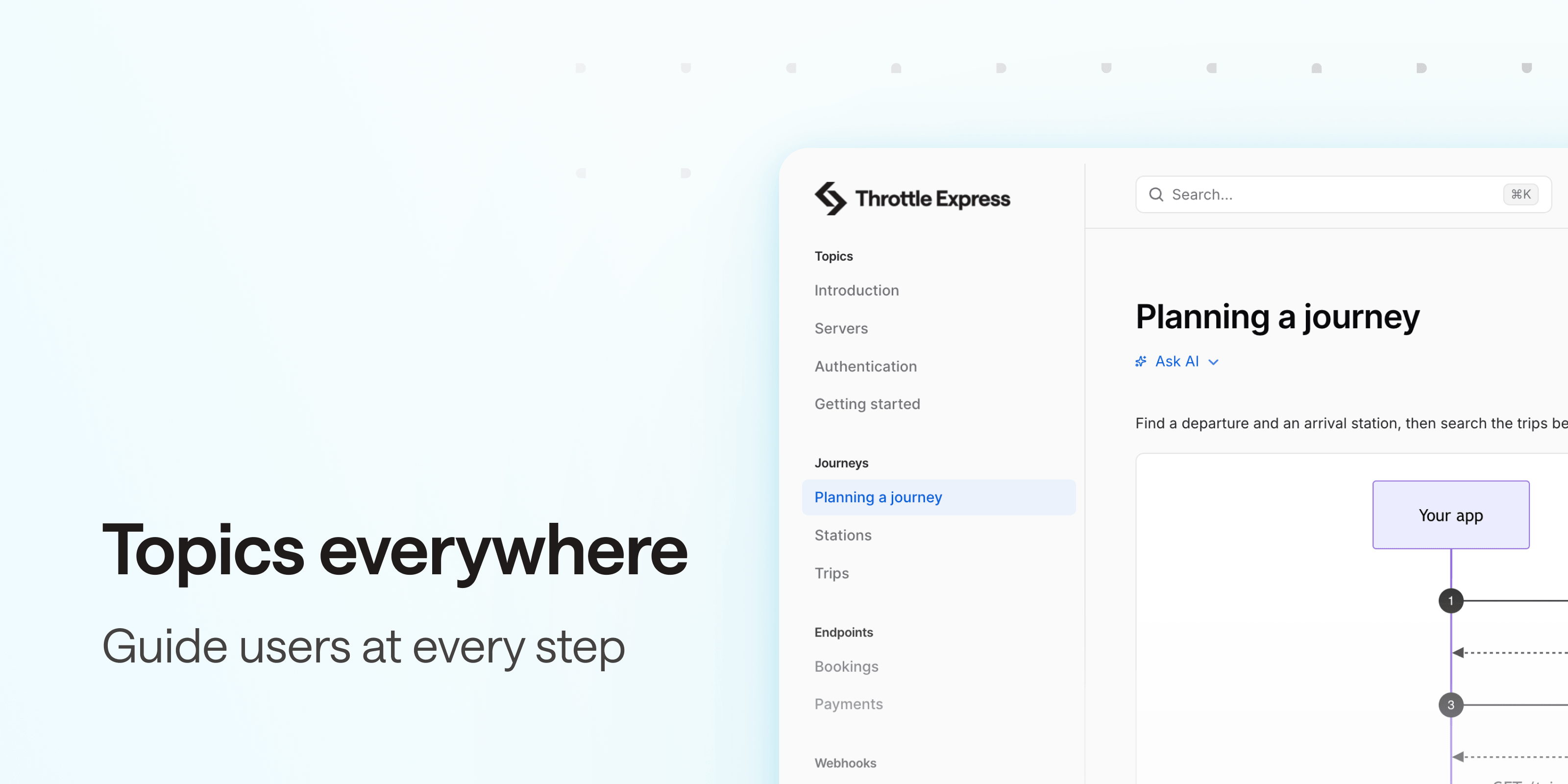
Topics are where you explain what the reference can’t: how to get started, which calls to chain to complete a use case. Until now, they all sat in a single “Topics” section, away from the operations they describe.
Topics can now be placed right before the operations they explain. Add a tags array to a topic: its first value decides where it is displayed.
- a tag name: at the top of that group, before its operations,
- a custom section name: at the top of that section, before its groups.
x-tagGroups:
  - name: "Journeys"
    tags: ["Stations", "Trips"]
tags:
  - name: "Stations"
  - name: "Trips"
x-topics:
  - title: Planning a journey
    tags: ["Journeys"]
    content:
      $ref: ./planning-a-journey.md
  - title: Searching for stations
    tags: ["Stations"]
    content:
      $ref: ./searching-for-stations.md
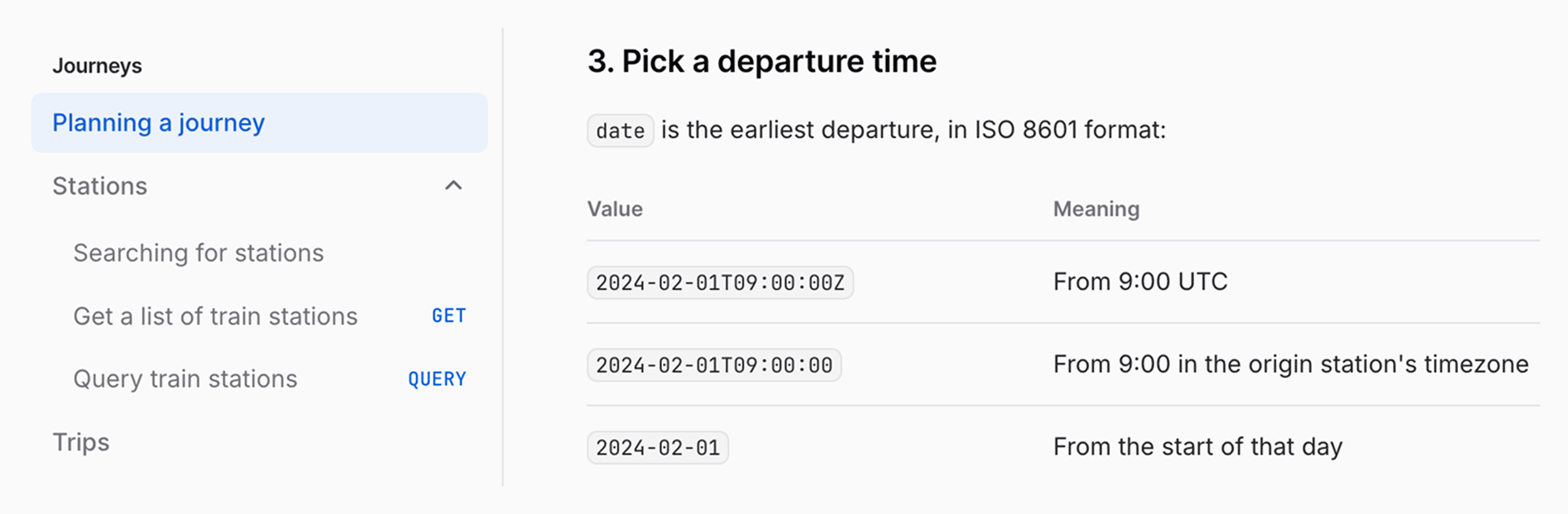
Using OpenAPI 3.2 nested tags? Use a parent tag to target a section, or a child tag to target a group.
Untagged topics stay in the “Topics” section, so you only move the ones that belong somewhere else. And each topic can be a full tutorial: Markdown is fully supported, Mermaid diagrams and call-outs included.
Tagging topics works with both OpenAPI and AsyncAPI documents. Learn more in the help center.
Reach out at hello@bump.sh for any feedback!