

Introducing Bump.sh Portal API and MCP server
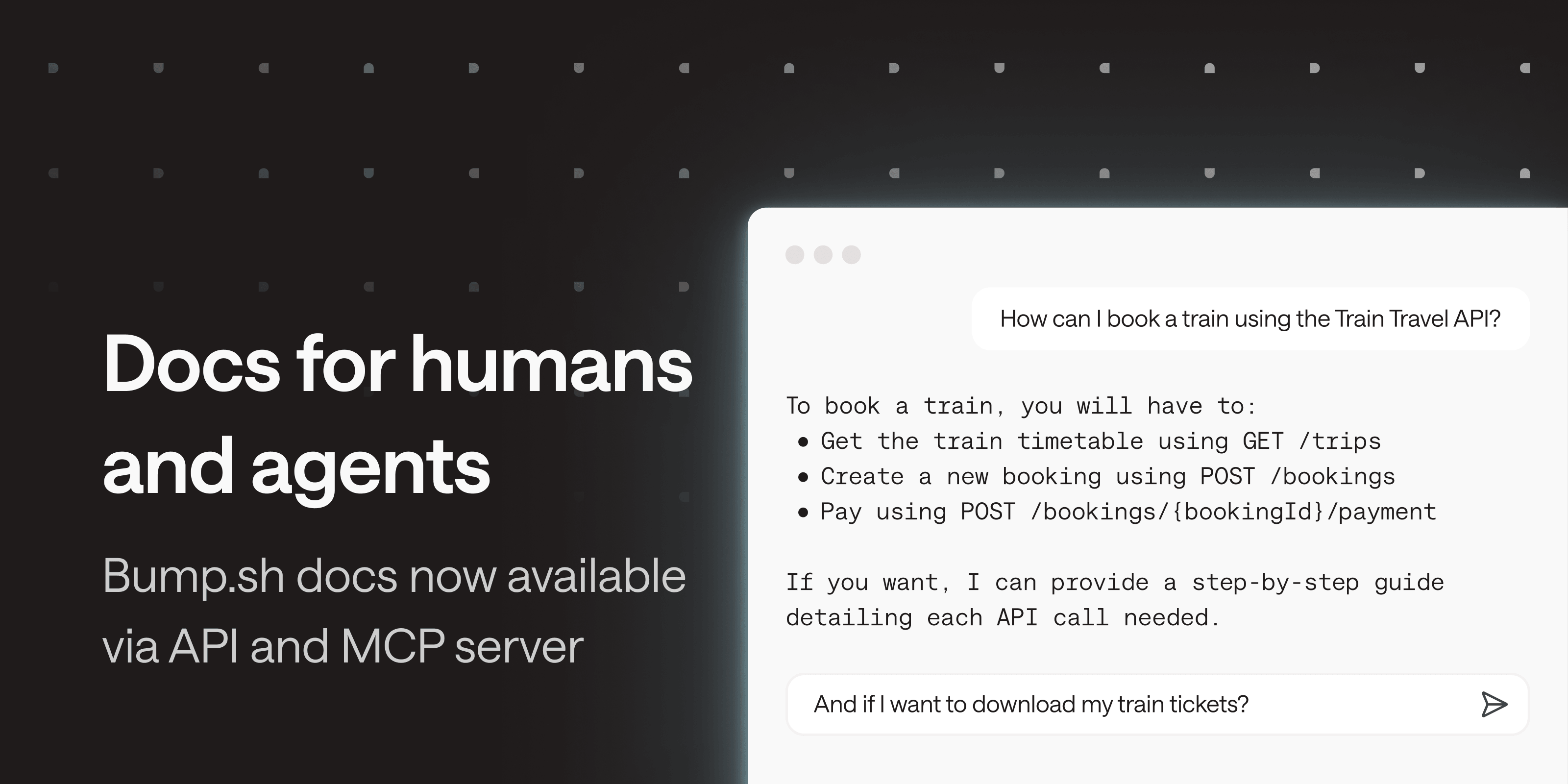
API documentation is becoming headless. It’s no longer just humans browsing docs in a browser: LLMs and agents need to search and access them programmatically too. To support this shift, we’re launching two things at once: the Portal API, and an MCP server built on top of it.
Portal API #
The Portal API exposes the same three core capabilities as the portal UI: search, browse, and read. It gives programmatic access to a documentation.
Three endpoints are available:
- List: to explore a documentation structure and have a high-level understanding of the API capabilities.
- Search: to find relevant pages by keyword or natural language query, with optional filtering by type (operation, schema, topic, etc.).
- Fetch: to retrieve the full content of any page in a clean, token-friendly format.
The Portal API currently works for public docs. No authentication required. Check out the API documentation on Bump.sh.
MCP server #
The MCP server uses the Portal API (and Bump.sh MCP platform) under the hood. It lets any LLM or agent search and read docs in a token-efficient way.
The MCP server URL follows a simple pattern: any hub or API MCP server can be accessed by adding /mcp at the end of its URL. Each MCP server is scoped: a hub MCP server gives access to that hub’s docs only, and an API doc MCP server gives access to that specific API’s docs only.
The feature is active by default and can be disabled in the Ask AI section of your hub or API settings.
It is made available to your end users via the Ask AI dropdown, which provides links and clear instructions for installing the MCP server.
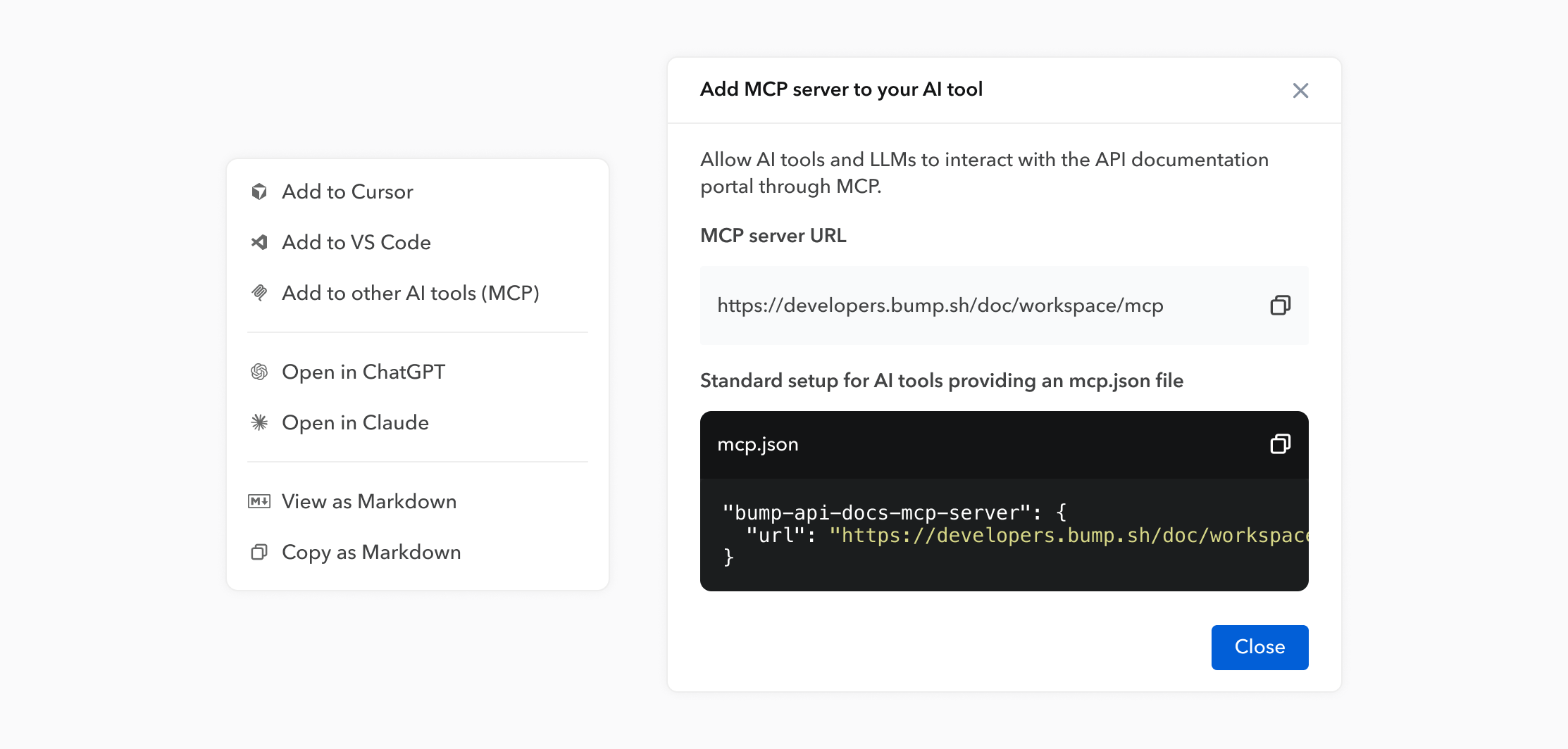
Docs MCP servers are currently available for public hubs and docs.
Learn more in the help center.
Any questions or feedback? Reach out at hello@bump.sh.